
PORTALS & PHYSICS
Warpgate.
There’s a world on the other side.
Open a window into somewhere else, then step through it. Warpgate brings rendered and physical portals to Unity 6 URP, with tools for setting up portal pairs, preparing travellers, and shaping the look of each gateway.
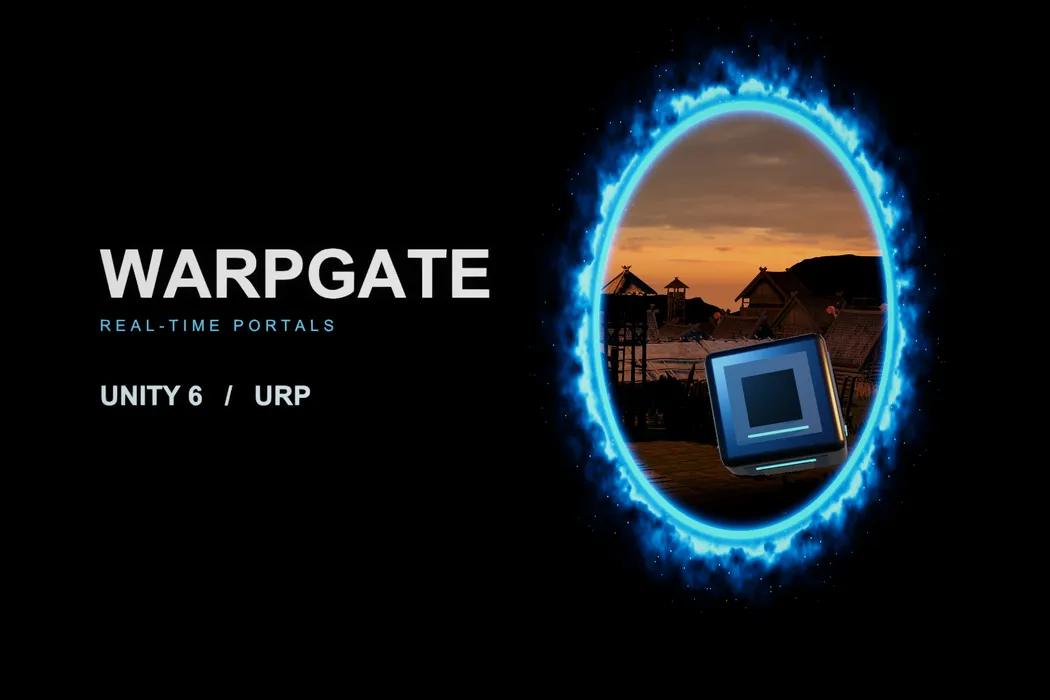
See through. Step through.
Linked portals combine live views with physical traversal for props and characters.
Play with the impossible
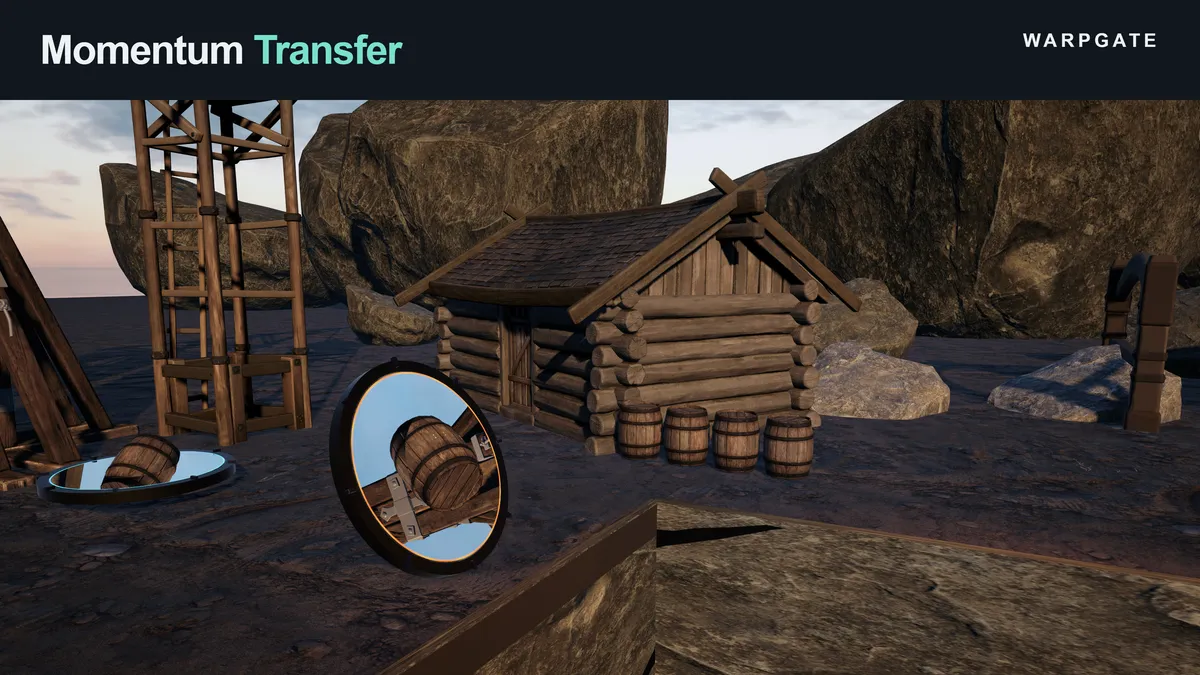
Explore momentum transfer, scaling, moving portals, and particle transfer in the sample scenes.
A clear path to setup
The Portal Manager guides rendering, portal pairs, and object preparation with actionable checks.
IN MOTION
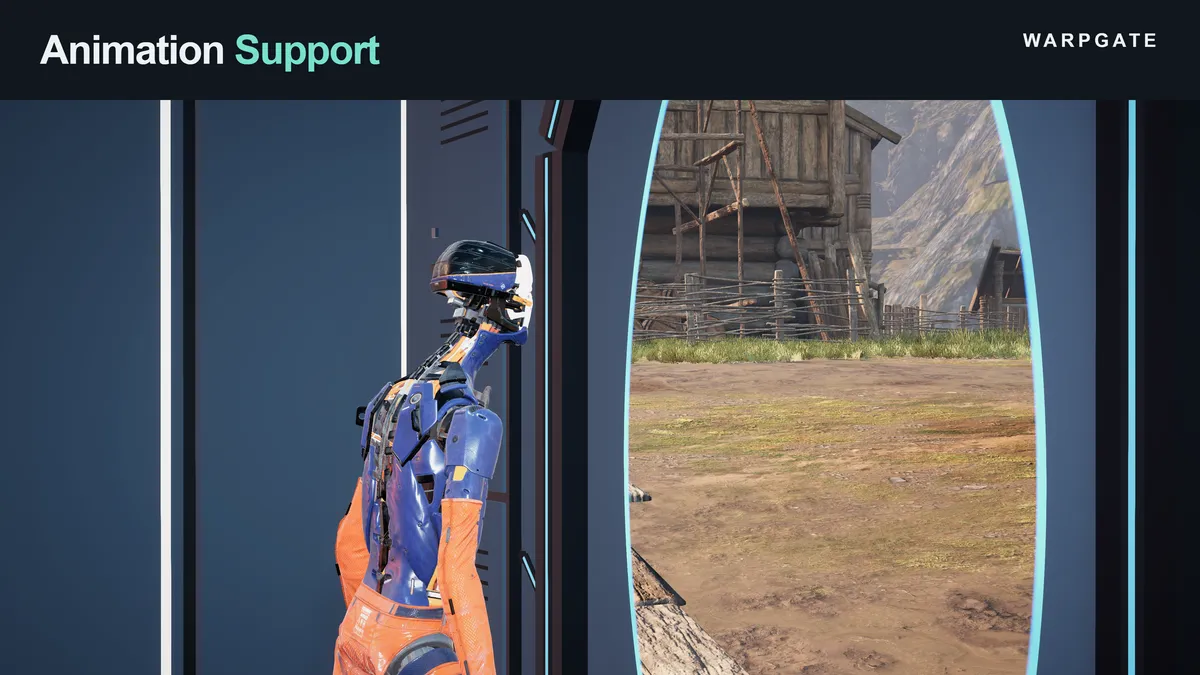
See Warpgate in action.
FROM IDEA TO EDITOR
Get up and running.
Start here, then explore the complete documentation included with your package.
Before you import
Unity 6 with Universal Render Pipeline and the URP Universal Renderer. The 2D Renderer is not supported. Optional interactive samples require the Input System package. CharacterController movement needs the integration described in the included guide.
- Import Warpgate into a Unity 6 project with URP and an assigned pipeline asset.
- Open Tools → Warpgate → Portal Manager, choose your game camera, and enable portal rendering.
- Add a portal pair, position both ends, and enter Play Mode to see the view.
- Use the Objects tab to configure travellers. See the included Quickstart and Integration guides for supporting surfaces and character movement.
Need a hand with Warpgate?
Tell us what you’re building and where you’re stuck.