
GRASS & FOLIAGE
Tuft2D.
A little grass. A living world.
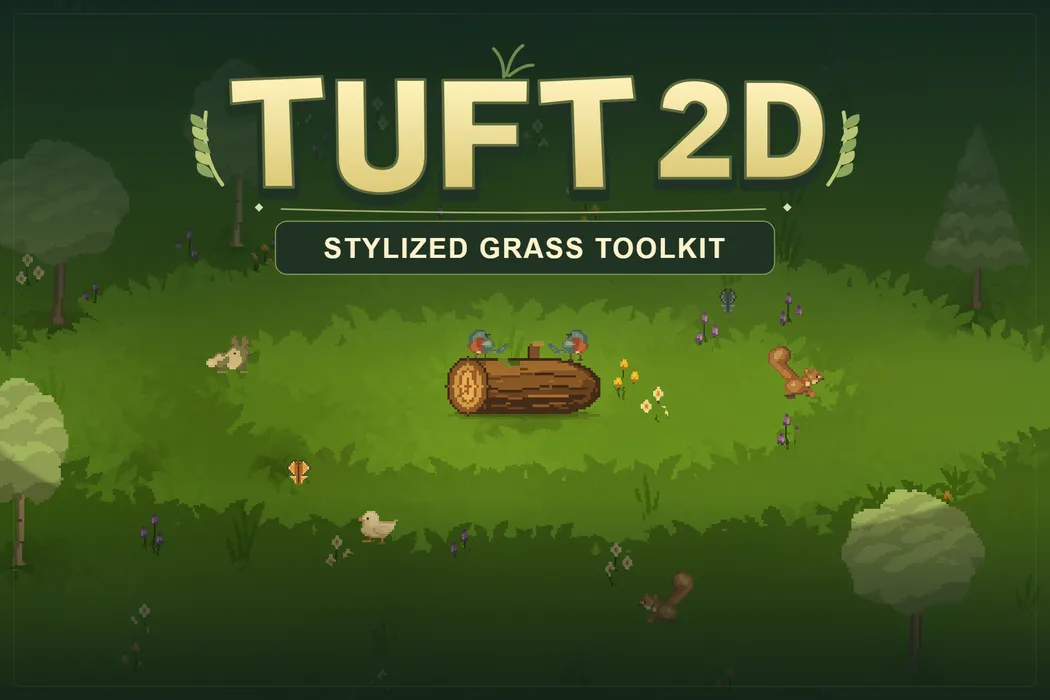
Give every step a little life. Tuft2D fills your Unity scenes with stylized pixel grass and plants that sway in the wind, bend around characters, and recover after they pass. Add a Grass Field to get started, then paint your own look in Style Studio.
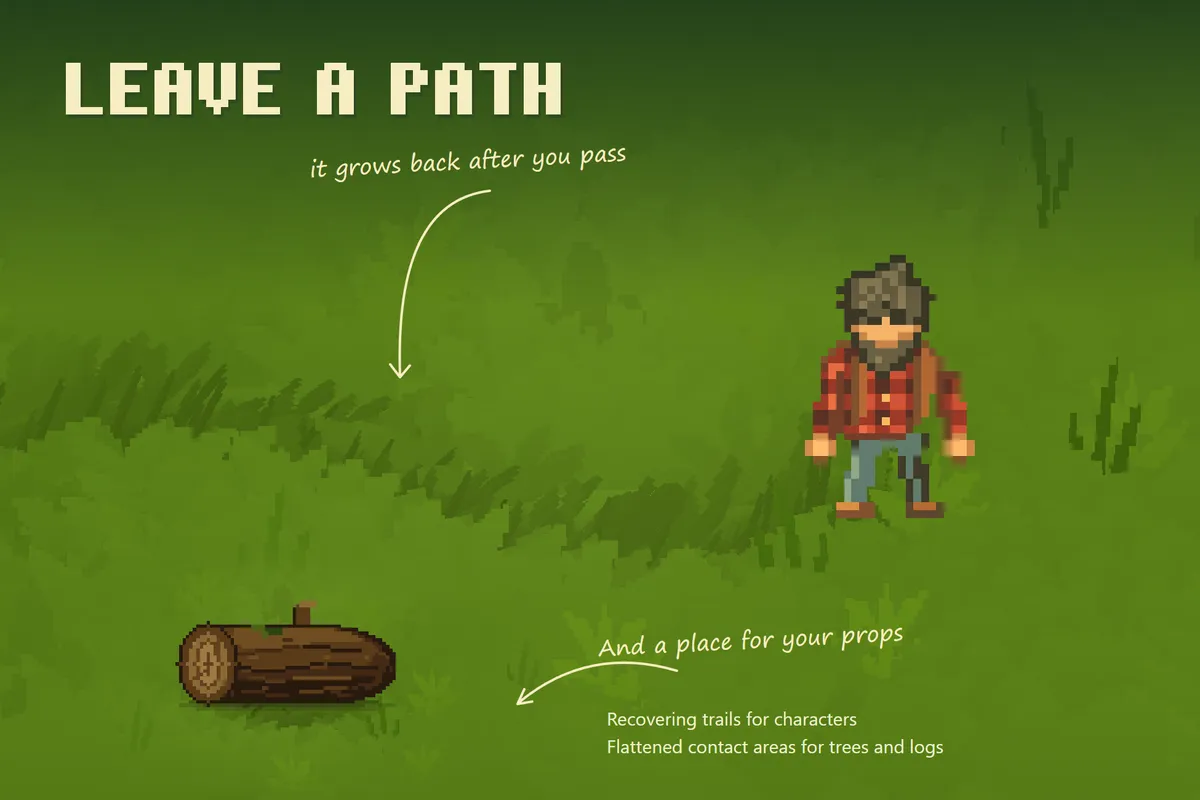
Make every step visible
Grass and accent plants bend around characters. Recovering trails mark their path, while contact areas flatten grass beneath trees and props.
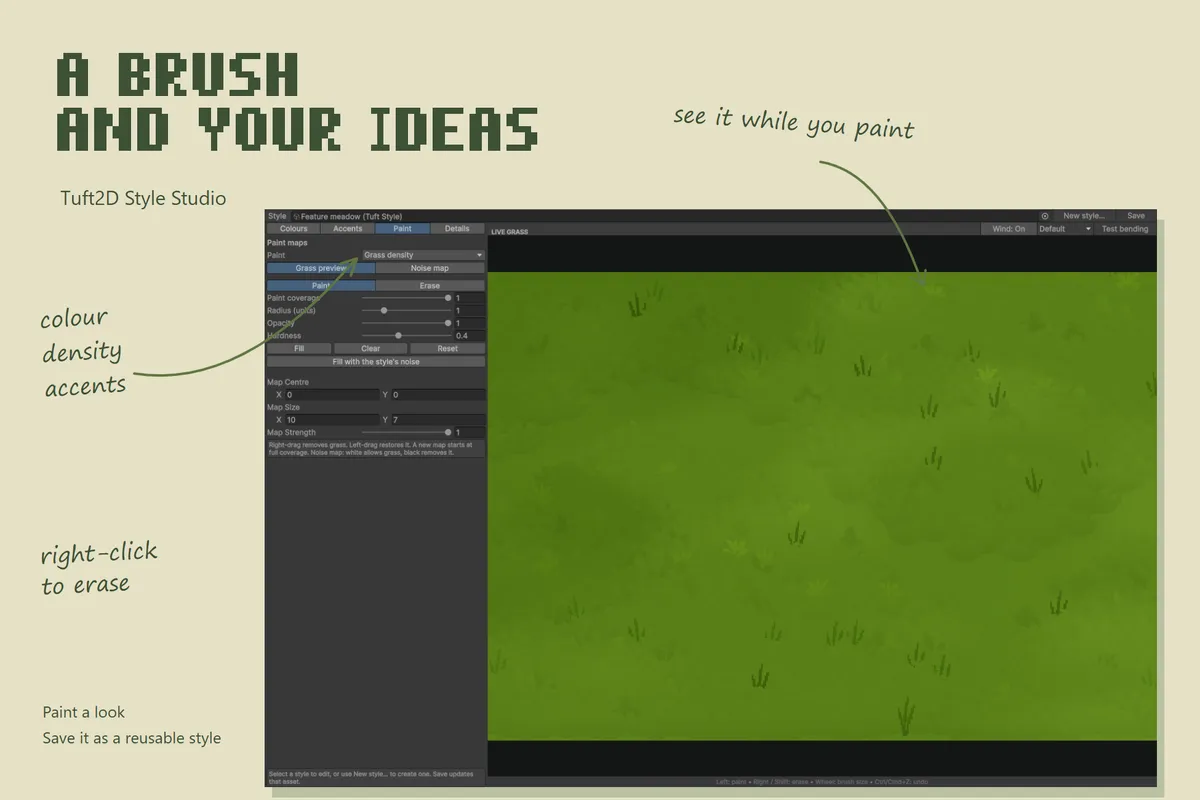
Paint a world of your own
Use Style Studio to paint colours, density, and accent coverage with a live preview. Add your own plant sprites and save reusable styles.
Let the landscape change
Shape the mood with wind, toon lighting, appearance blends, and optional weather and day/night controls. Explore the included seasonal and environment examples.
IN MOTION
See Tuft2D in action.
FROM IDEA TO EDITOR
Get up and running.
Start here, then explore the complete documentation included with your package.
Before you import
Unity 6.0 or newer with URP. Supports both the 2D Renderer and Universal Renderer, with XY fields for 2D scenes and XZ ground for angled cameras. The default field supplies its artwork and material automatically. No manager object or renderer feature is required.
- Import Tuft2D into a Unity 6 project using URP.
- Choose GameObject → Tuft2D → Grass field, or Grass field with camera and light for a new scene.
- Keep the defaults and press Play. You should see grass swaying above matching ground. Use Frame game camera or Add scene lighting in the Inspector if needed.
- Open Tools → Tuft2D → Style Studio to customize your look, or Tools → Tuft2D → Open documentation for the full guide.
Need a hand with Tuft2D?
Tell us what you’re building and where you’re stuck.