
SHADERS & VFX
Amazing Dissolves.
Make every disappearance an event.
Turn a simple transition into a moment worth watching. Add dissolve effects to Lit and Unlit materials, shape them with moving zones, and bring the edges to life with particles. Start with a preset, then make it your own.
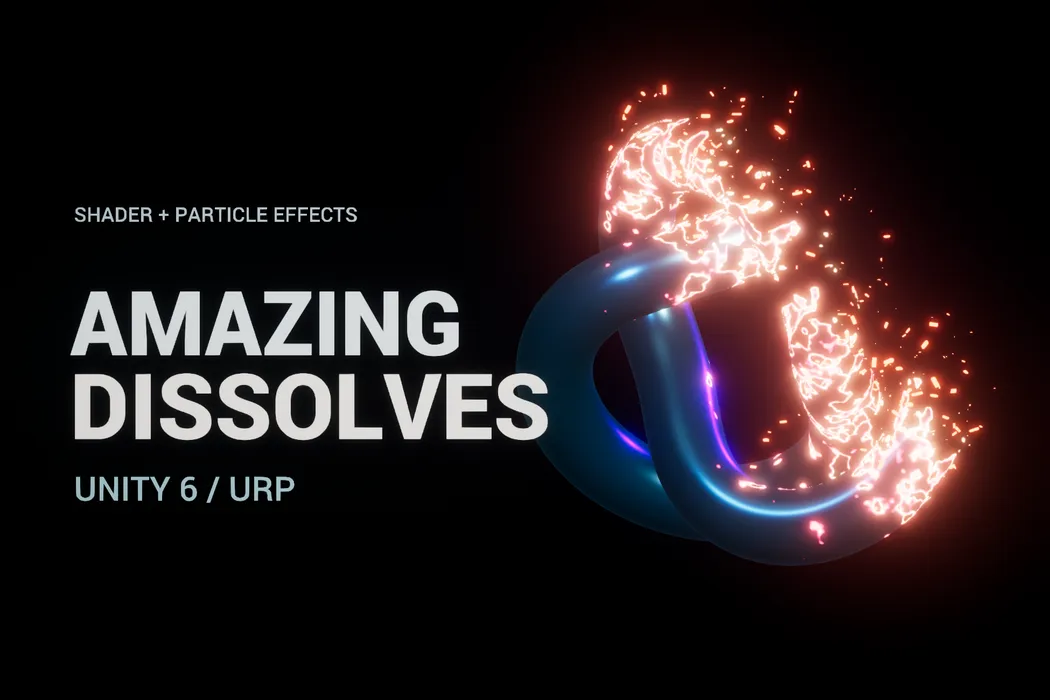
An edge with energy
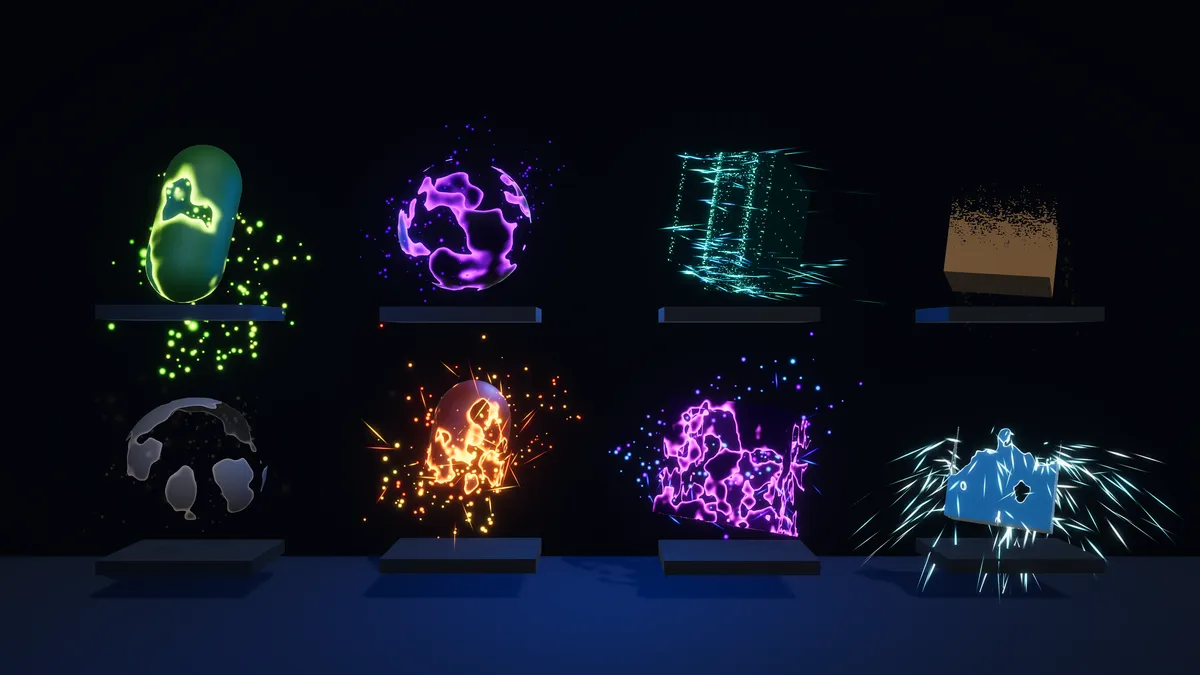
Synchronized particles follow the dissolving surface. Explore embers, ash, arcane motes, ice shards, and more.
Your effect, your rules
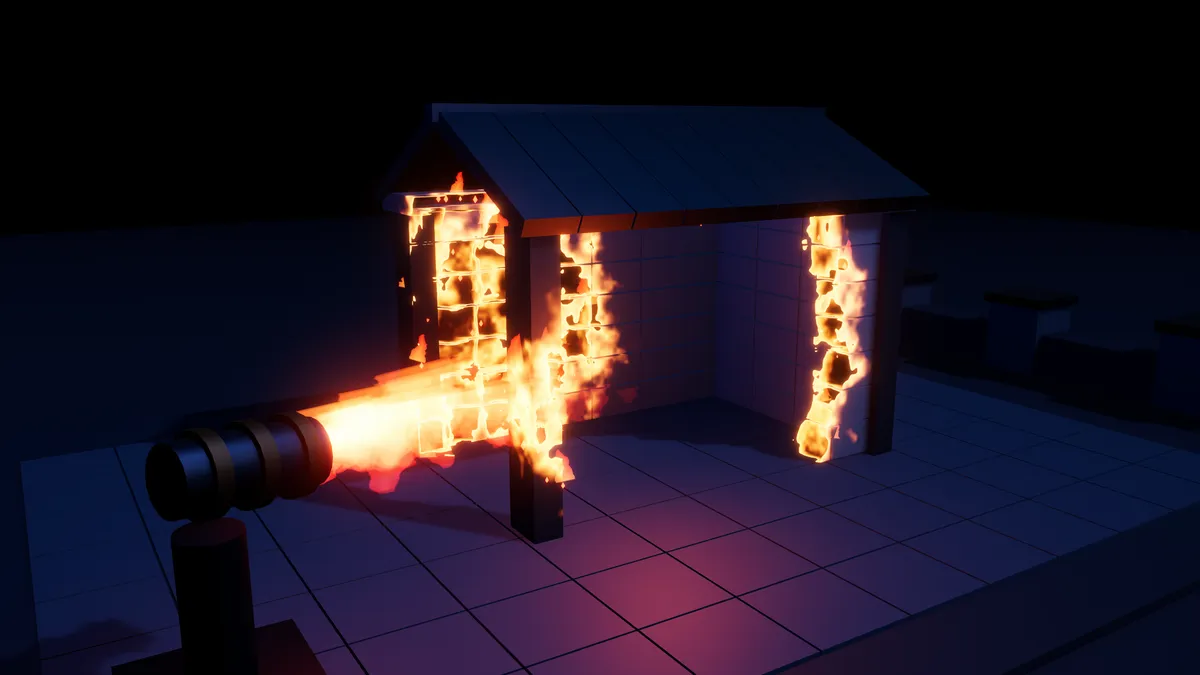
Drive effects with the runtime API, hit points, control masks, and moving dissolve zones.
From preset to playable
Quick Setup, material conversion, reusable presets, and twelve demonstration scenes help you get started.
IN MOTION
See Amazing Dissolves in action.
FROM IDEA TO EDITOR
Get up and running.
Start here, then explore the complete documentation included with your package.
Before you import
Unity 6.0 or newer with URP. Supports opaque and alpha-clipped 3D materials on MeshRenderer and SkinnedMeshRenderer. Built-in, HDRP, 2D sprites, Canvas UI, and transparent blending are outside the supported scope. No VFX Graph required.
- Import the package into a Unity 6 project using URP.
- Select a URP Lit or Unlit material, or a GameObject using one.
- Open Window → Amazing Dissolves → Quick Setup, choose a preset, and select Add Dissolve to Selection.
- Explore the Samples/Scenes folder and the included Getting Started documentation.
Need a hand with Amazing Dissolves?
Tell us what you’re building and where you’re stuck.